Years ago I spent a good bit of time building Shiny web apps in R. However, I’ve done almost no web app development in Python.
I thought I’d test out how well Claude Code could port one of my previous Shiny apps to Python. I chose an app exploring Indian Independence Day speeches.
I adopted an “Explore -> Plan -> Confirm -> Code -> Commit” workflow.
I started by asking Claude Code to review my repository and present options for porting the Shiny app to a Python framework. Naturally, it recommended Shiny for Python. While this made perfect sense (and would likely have yielded the most accurate migration in terms of appearance), I went with Streamlit to make it a little more challenging.
After signaling this choice, Claude presented options of which Python libraries to use for the visualizations (for example plotly instead of ggiraph in some cases).
After answering a few questions, Claude ran the Shiny app, found the colors and other visual details, and quickly produced a working Streamlit app. I only needed a few follow-ups to finish a working app with the same functionality, quite similar visual appearance, and documentation.
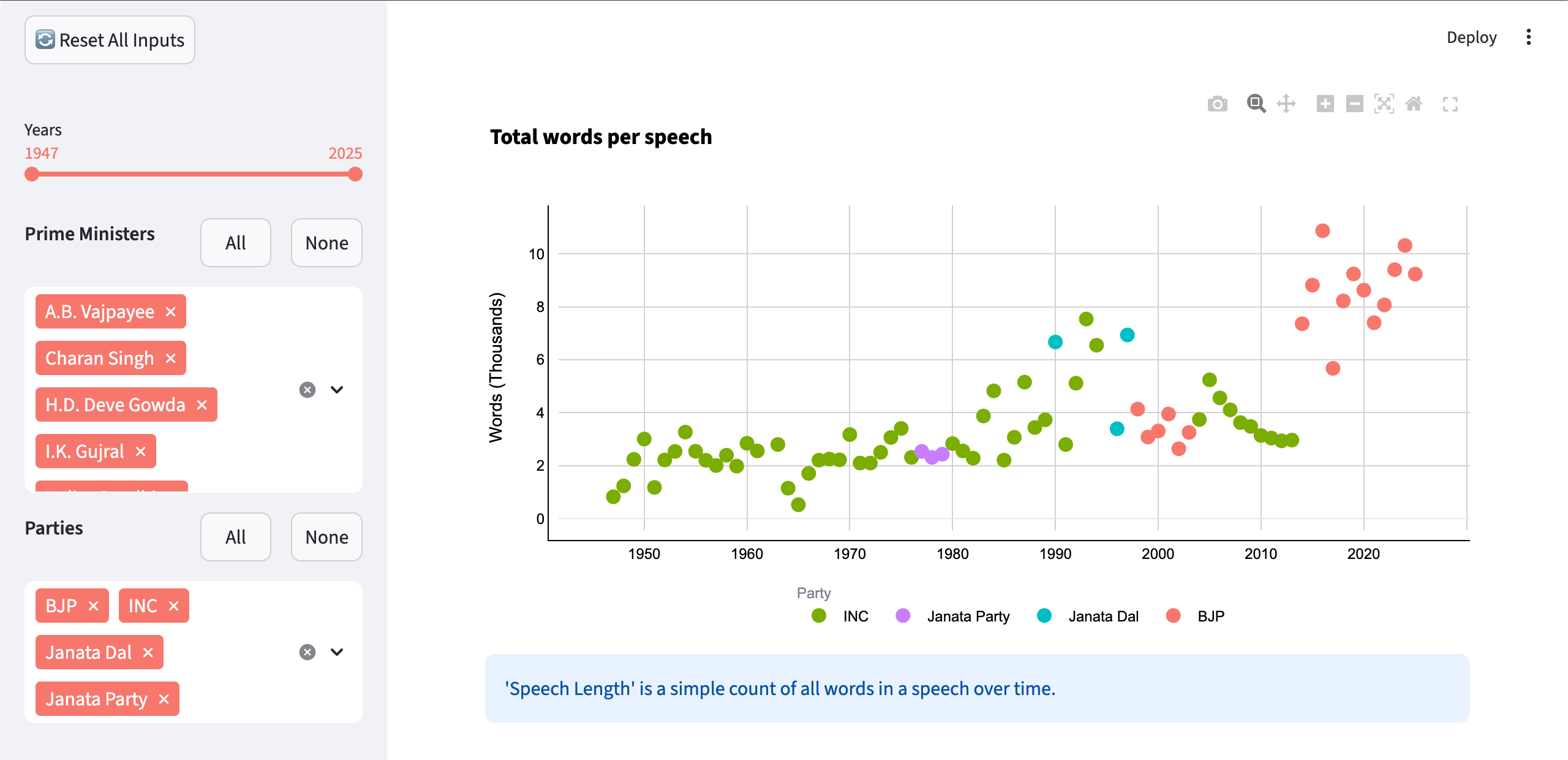
I can imagine some frustration if I needed to iron out tiny details without knowing the new app’s codebase, but it’s pretty impressive given the extremely low level of effort this took.